















BEST SELLERS
Discover the products OTEK customers are choosing right now.
EXPLORE BY CATEGORY
Discover smart technology designed to make work easier, entertainment more immersive and everyday living more convenient.
-
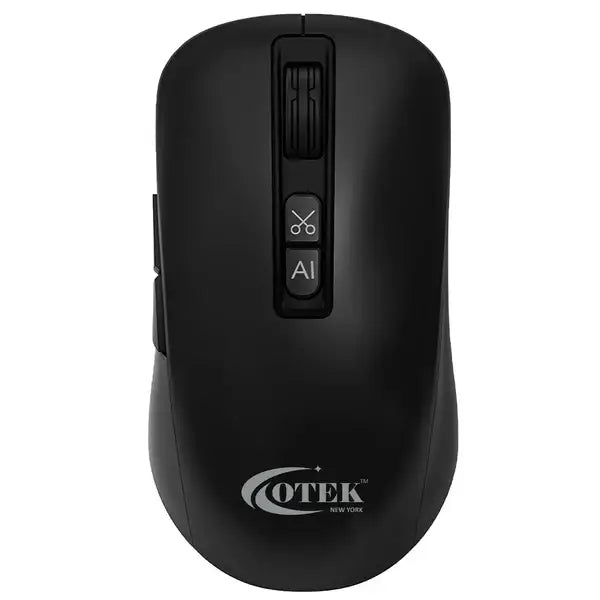
 BM09 AI Integrated Mouse
BM09 AI Integrated Mouse
Shop BM09 AI Integrated Mouse -
 Air Purifiers
Air Purifiers
Shop Air Purifiers -
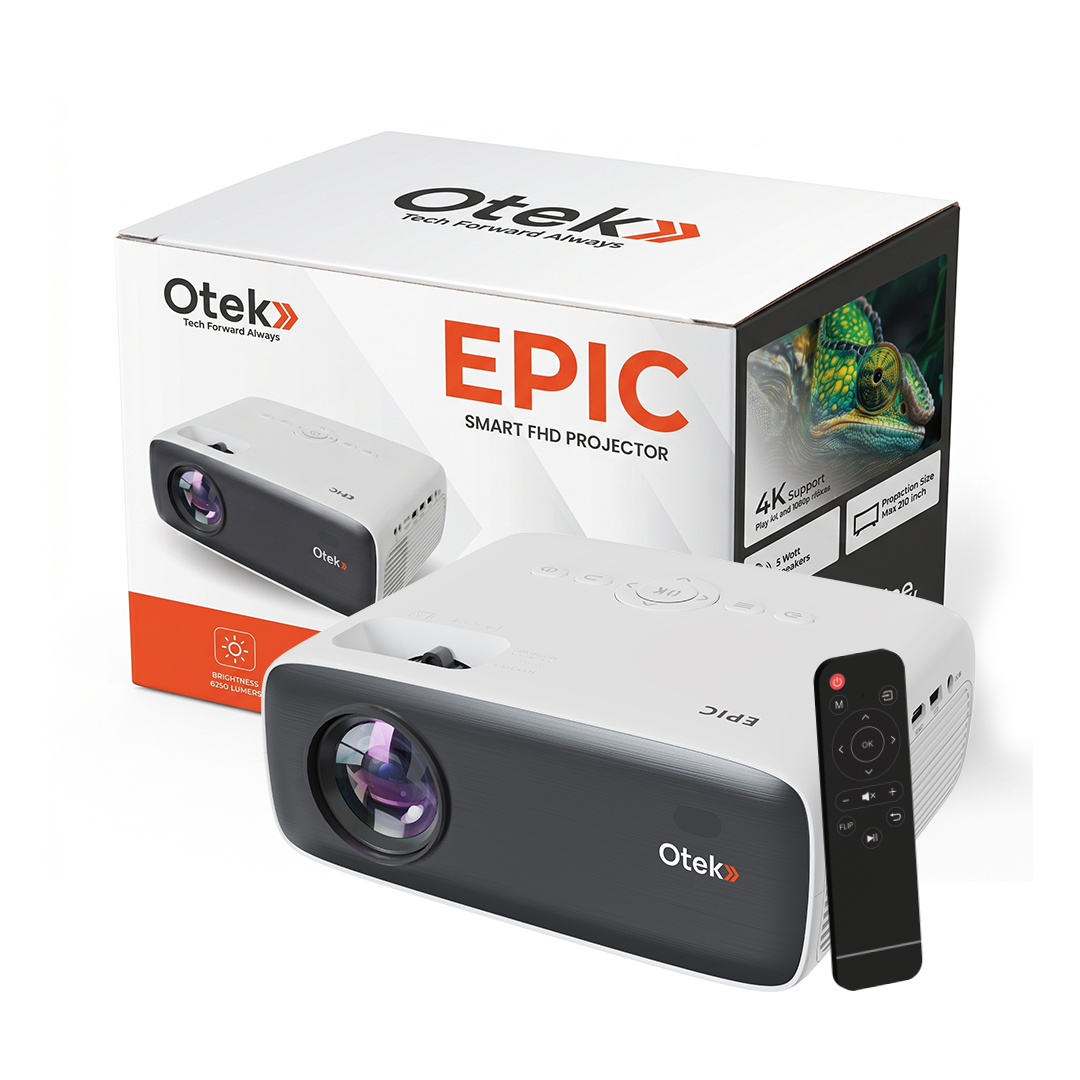
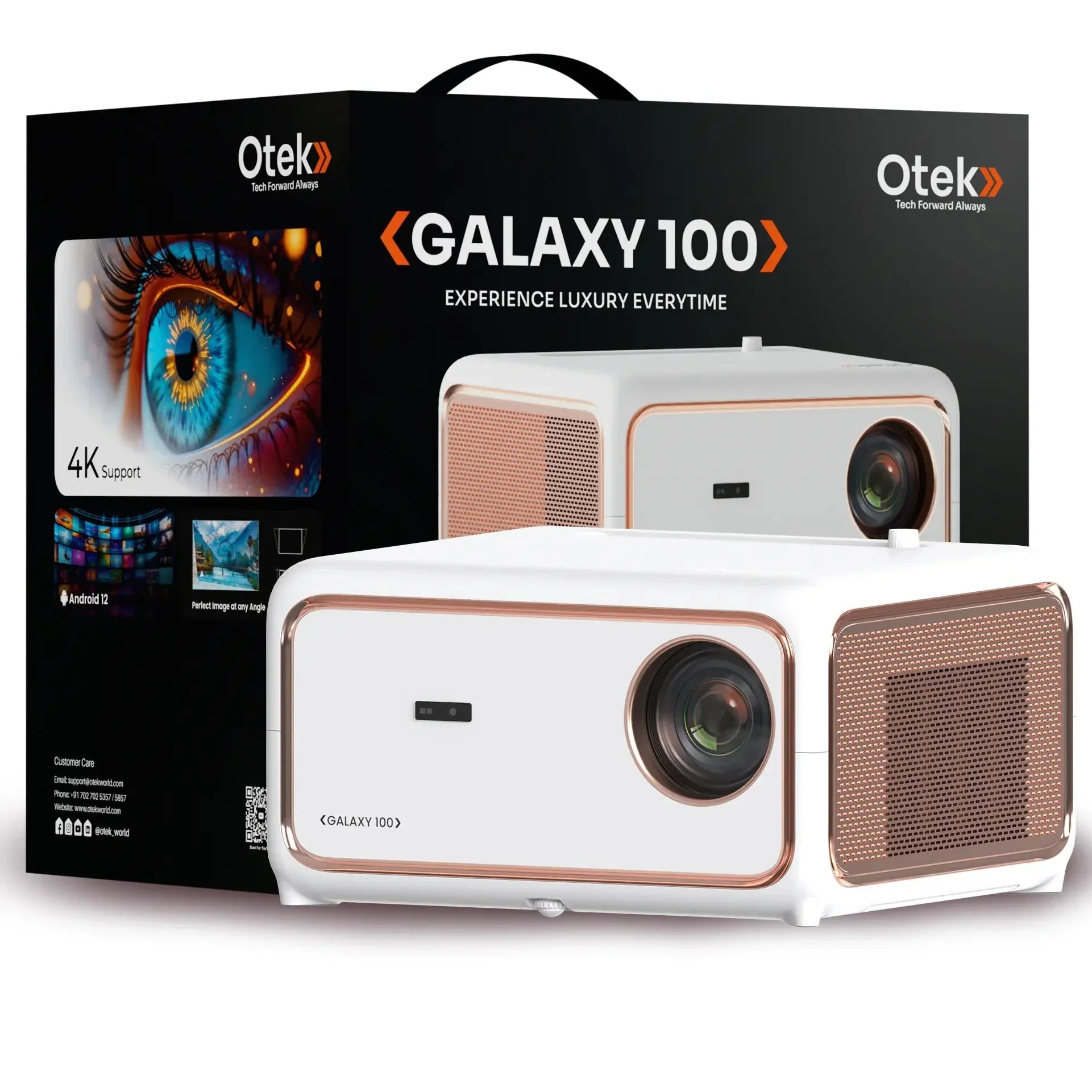
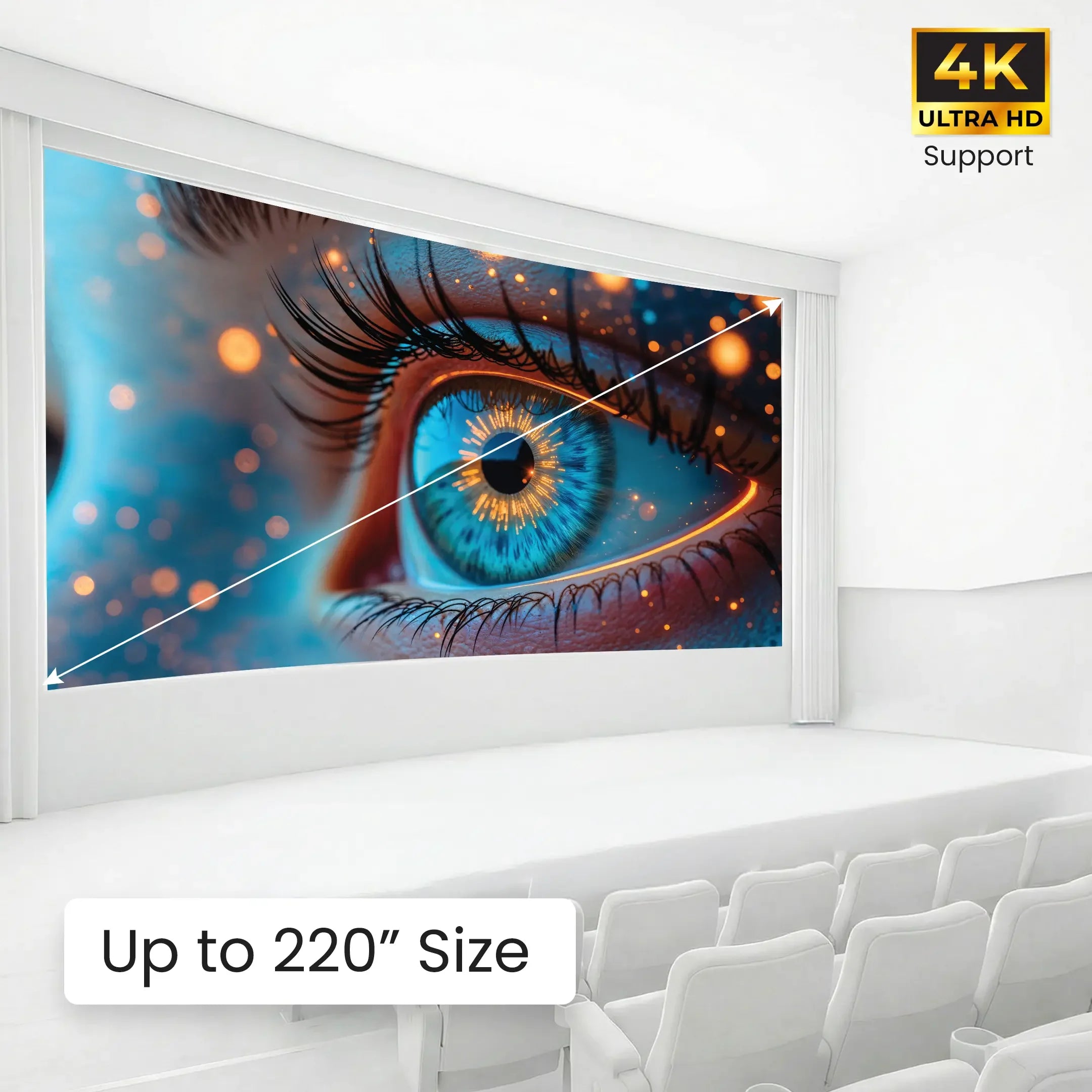
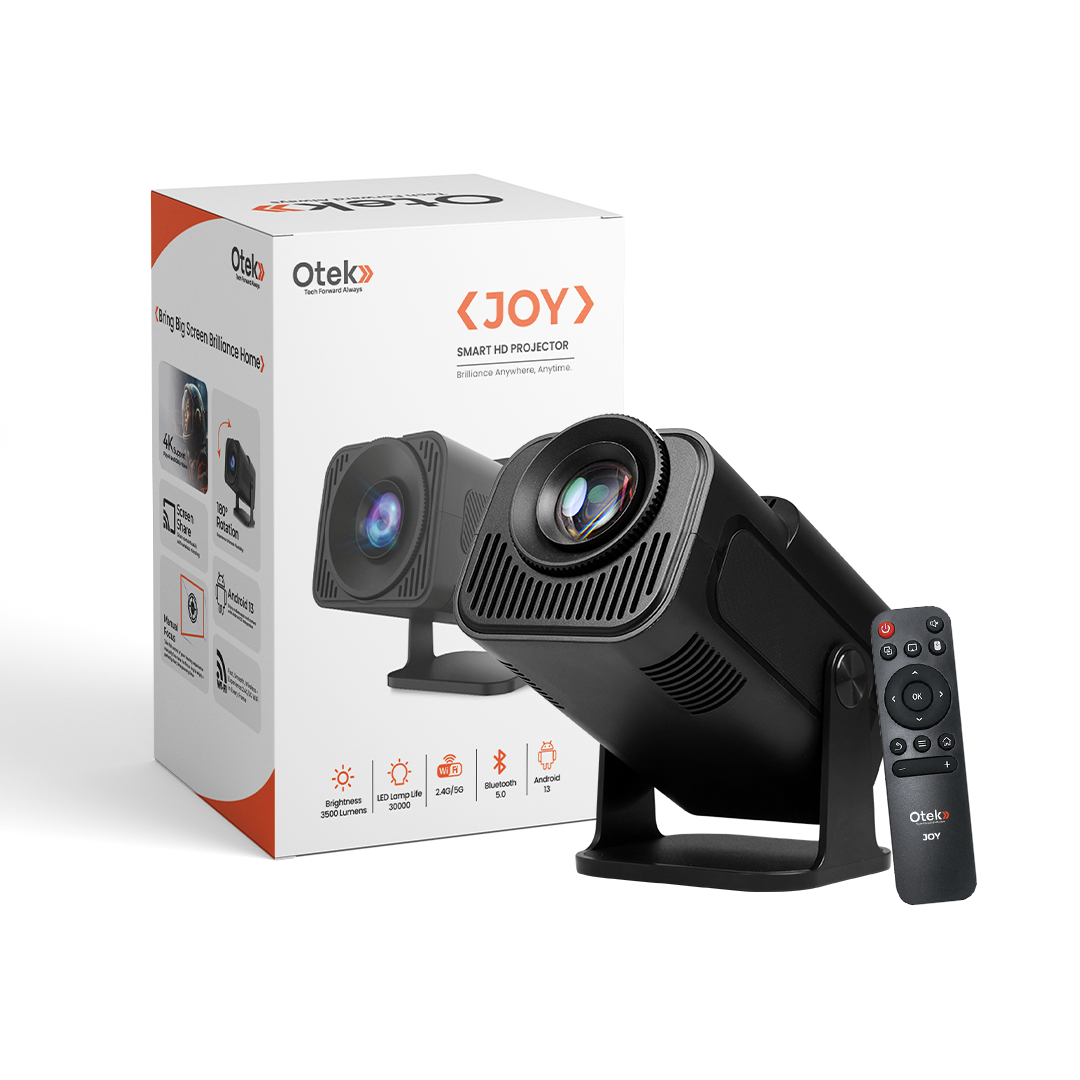
 Projectors
Projectors
Shop Projectors -
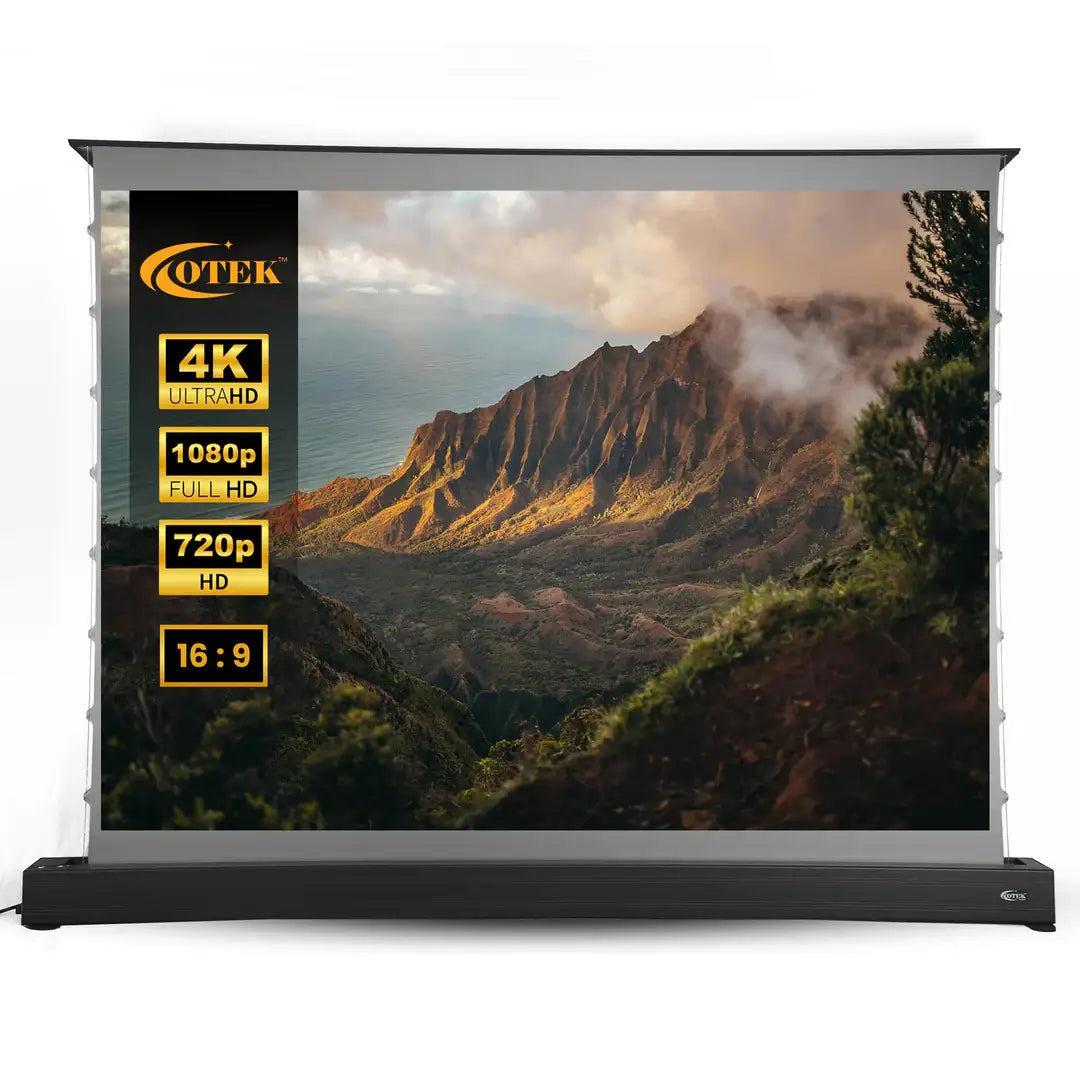
 Projection Screen
Projection Screen
Shop Projection Screen -
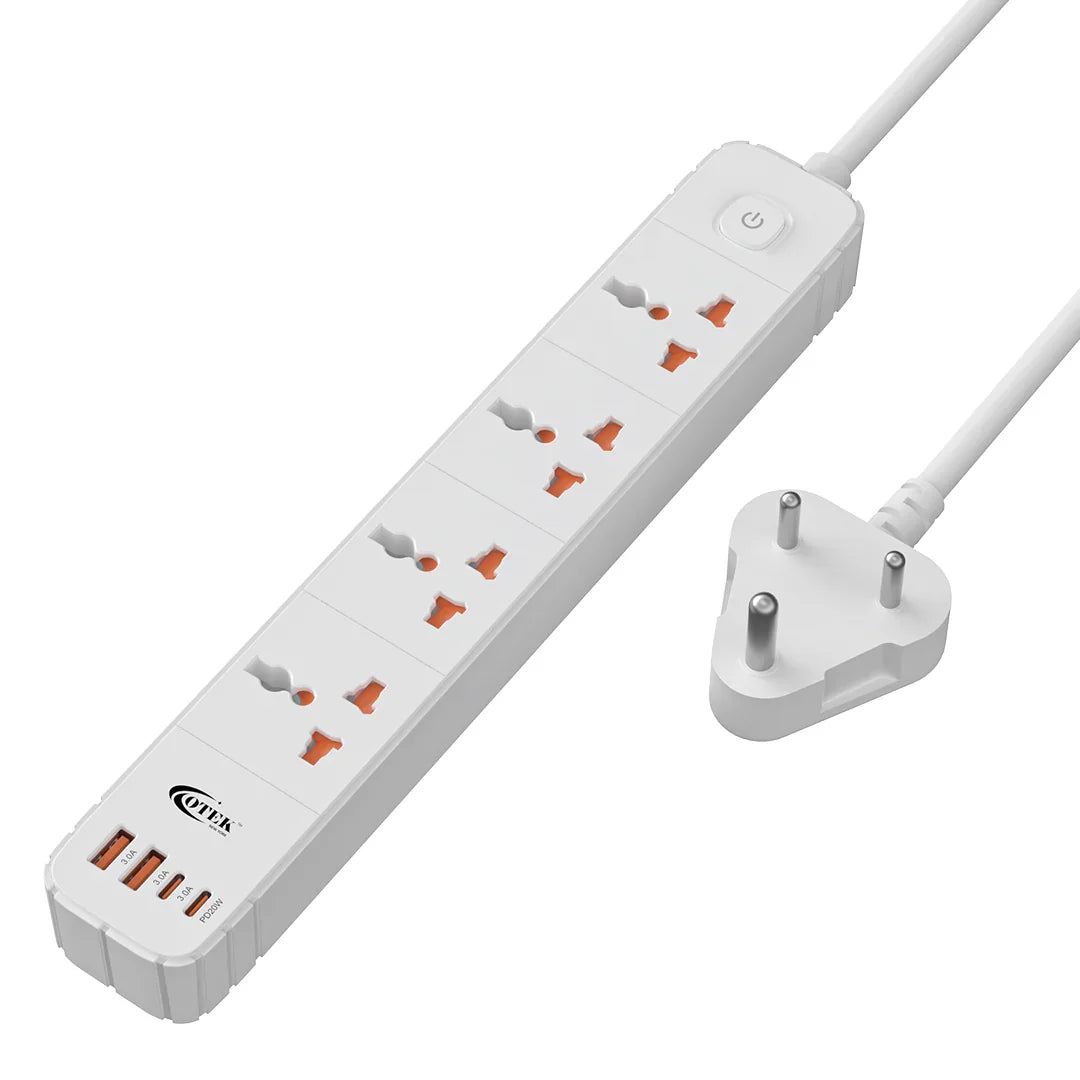
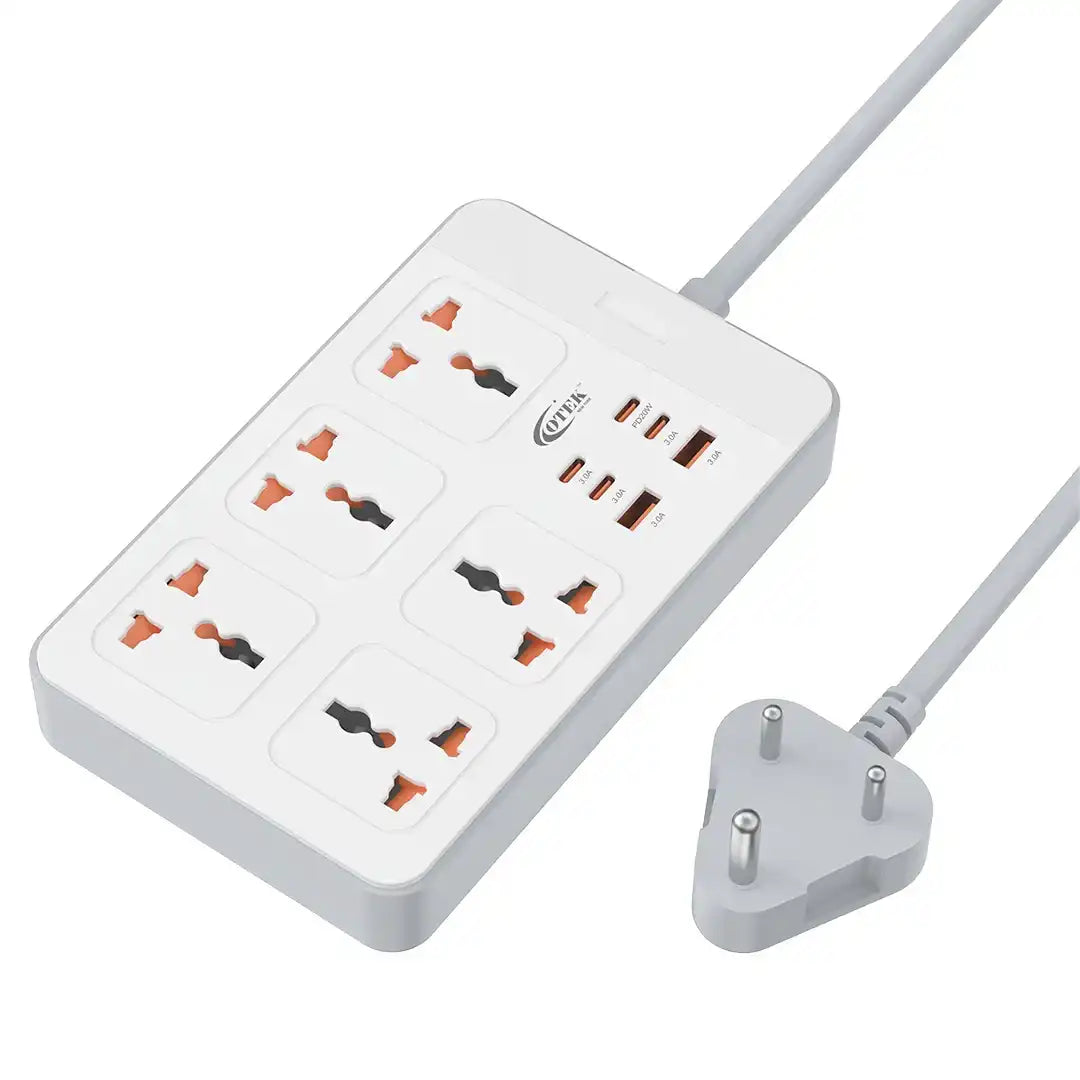
 Extension Board
Extension Board
Shop Extension Board -
 Kitchen Essentials
Kitchen Essentials
Shop Kitchen Essentials -
 Wellness
Wellness
Shop Wellness
TRUSTED BY MANY
SHOP OUR PROJECTORS
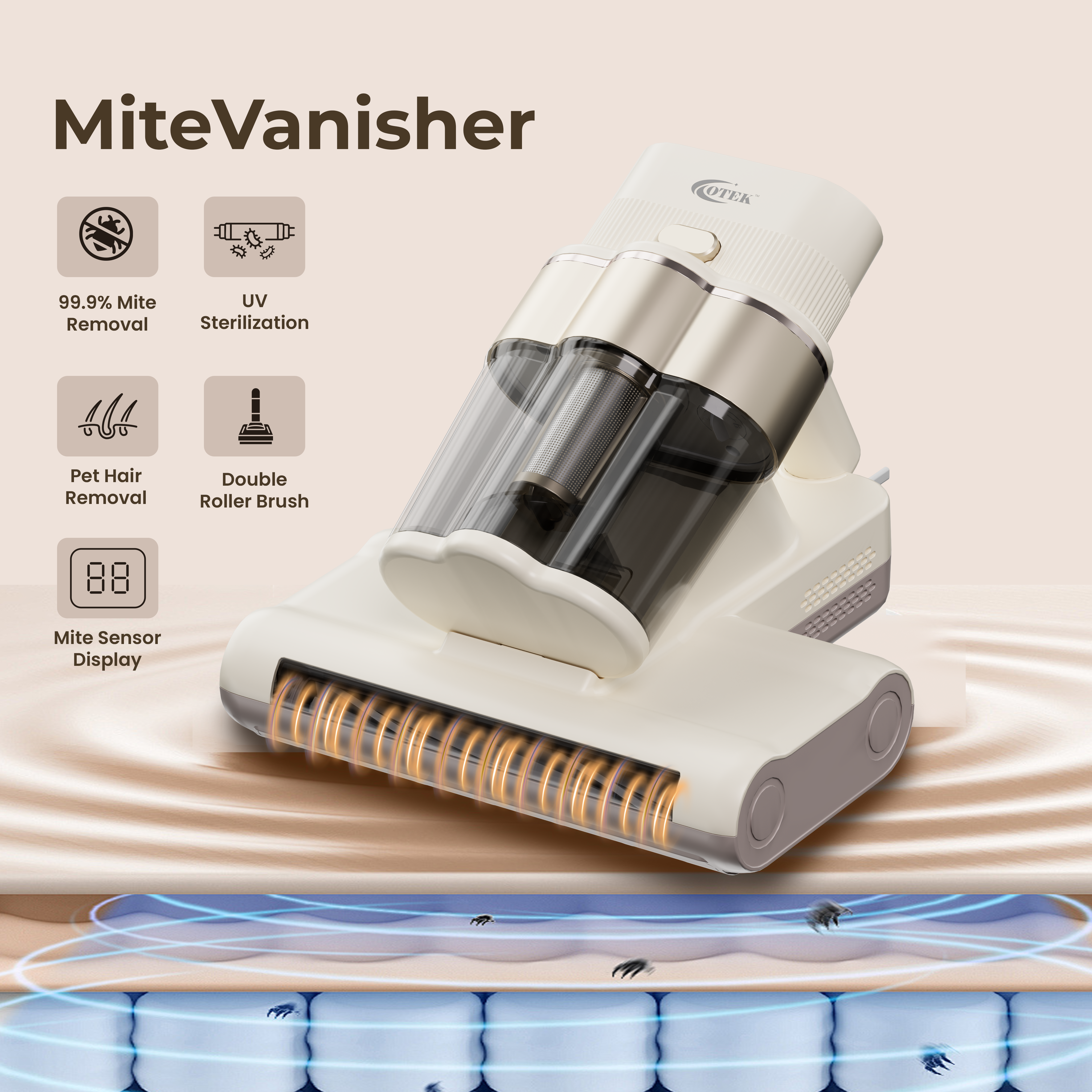
SHOP FOR CLEANERS
SHOP FOR Extension Boards
MEDIA COVERAGE
OTEK's products and technology have been featured across leading media and business publications.


PRODUCT SPOTLIGHT
AI-powered productivity, intelligent controls and smart shortcuts—all built into one powerful mouse.


- Regular price
- Rs. 3,999.00
- Sale price
- Rs. 3,999.00
- Regular price
-
MRP 10999.0
Tax included.
Shipping calculated at checkout.
Key Features
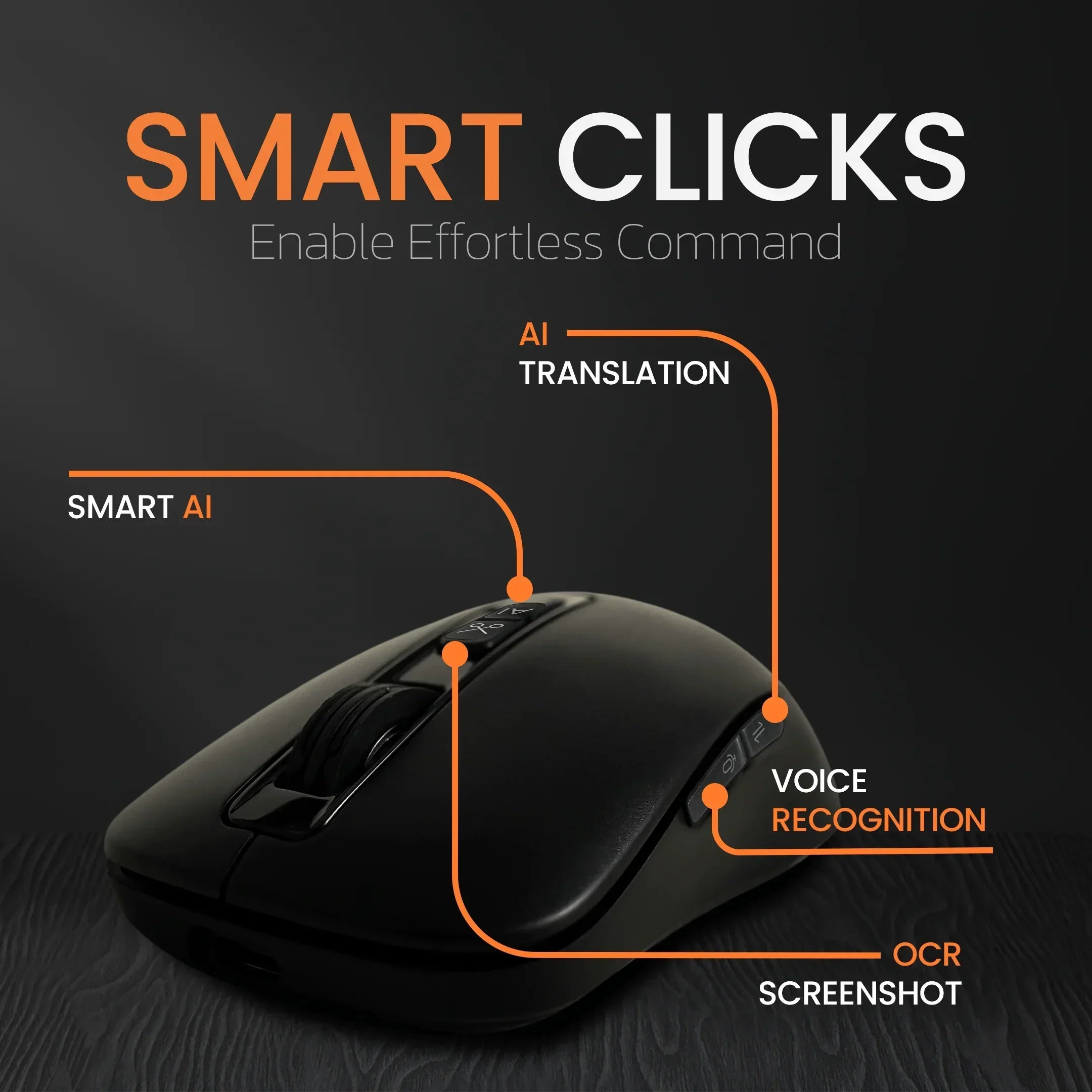
- Voice typing with built-in voice-to-text support
- Smart AI features for enhanced productivity
- OCR and screenshot function for editable text capture
- One-click voice and text translation
- Long battery life up to 30 days
- Seamless Bluetooth pairing
- Type-C charging support
Specifications
- DPI Levels: 800 / 1200 / 1600 / 2400 / 4000
- Connectivity: BT 5.0 / 2.4GHz Wireless
- Sensitivity: 125 Hz – 500 Hz (8 ms – 2 ms)
- Compatibility: Windows 8 / 10 / 11, macOS 10.15 and above
- Charging: Type-C charging port
- Weight: 92g
- Color Options: Black and White
- Product Dimension:13cm x 19.2cm x 4.7cm
WHY OTEK
We believe technology should do more than add features. It should make everyday life simpler, smarter and more enjoyable.

FREE SHIPPING
Across India

TRIPLE QC CHECKED
Quality tested before dispatch

SECURE PAYMENTS
Safe & protected checkout

CUSTOMER SUPPORT
We're here 10AM–6PM
Let customers speak for us
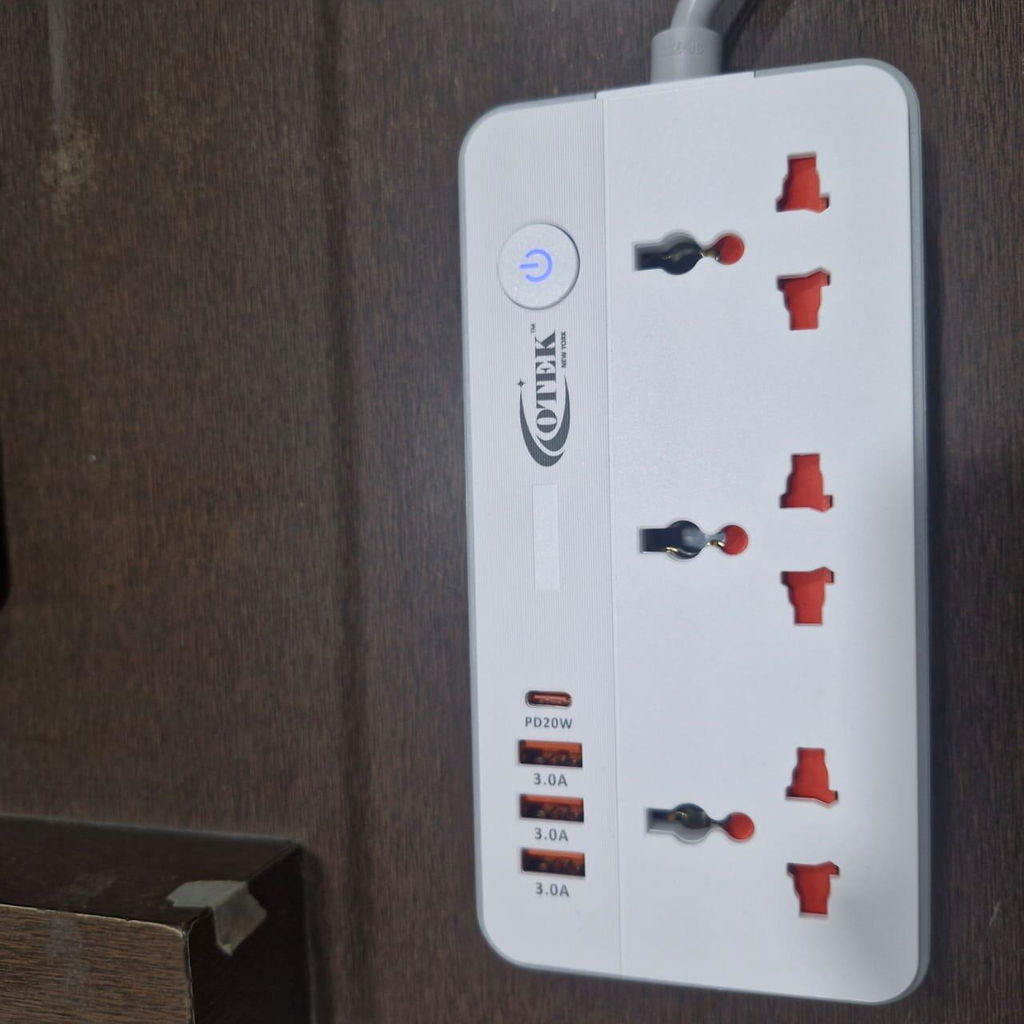
VoltSafe 531
We use it in the kitchen for appliances and phone charging. Sturdy and safe even with daily use.
Sanjay Raut
VoltSafe 531
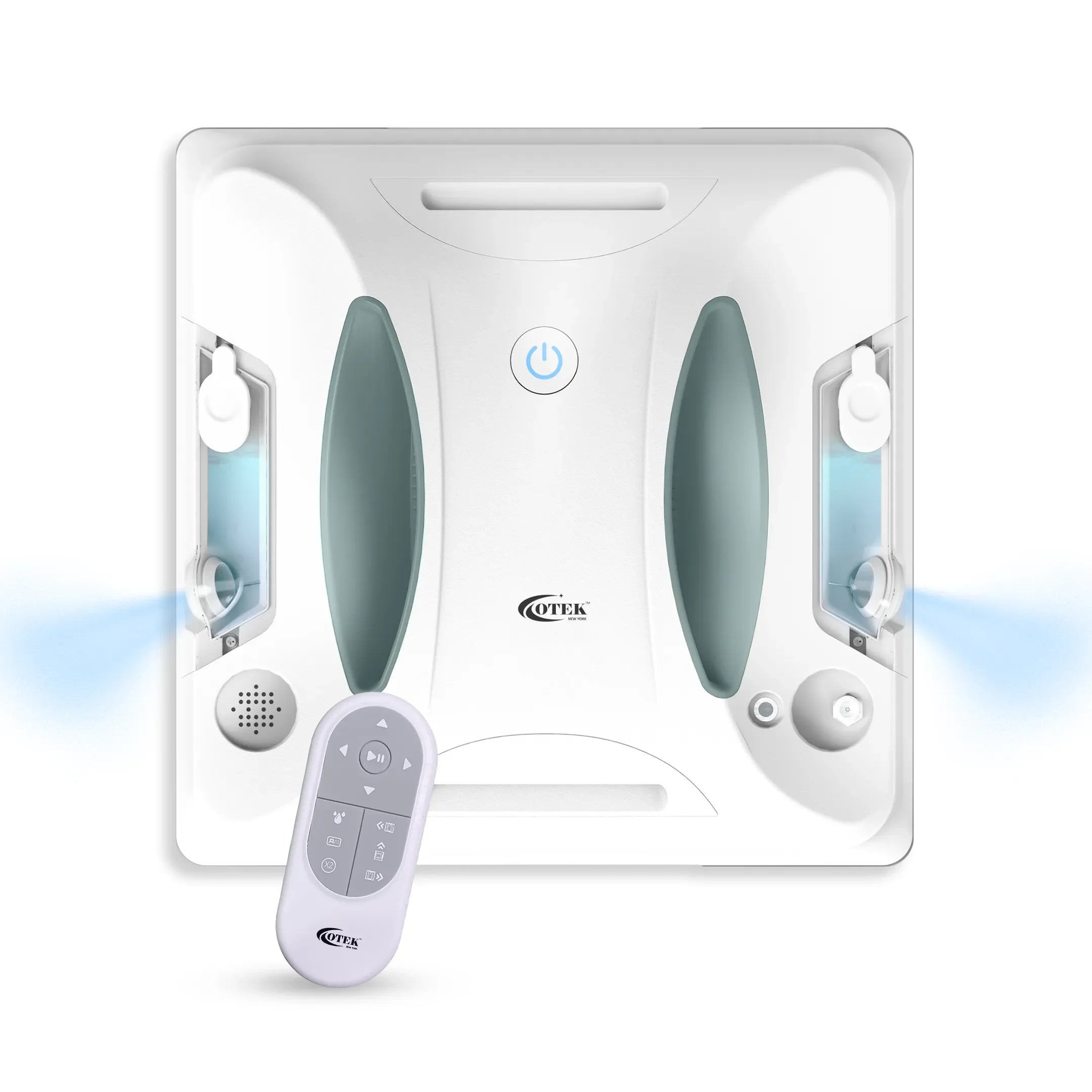
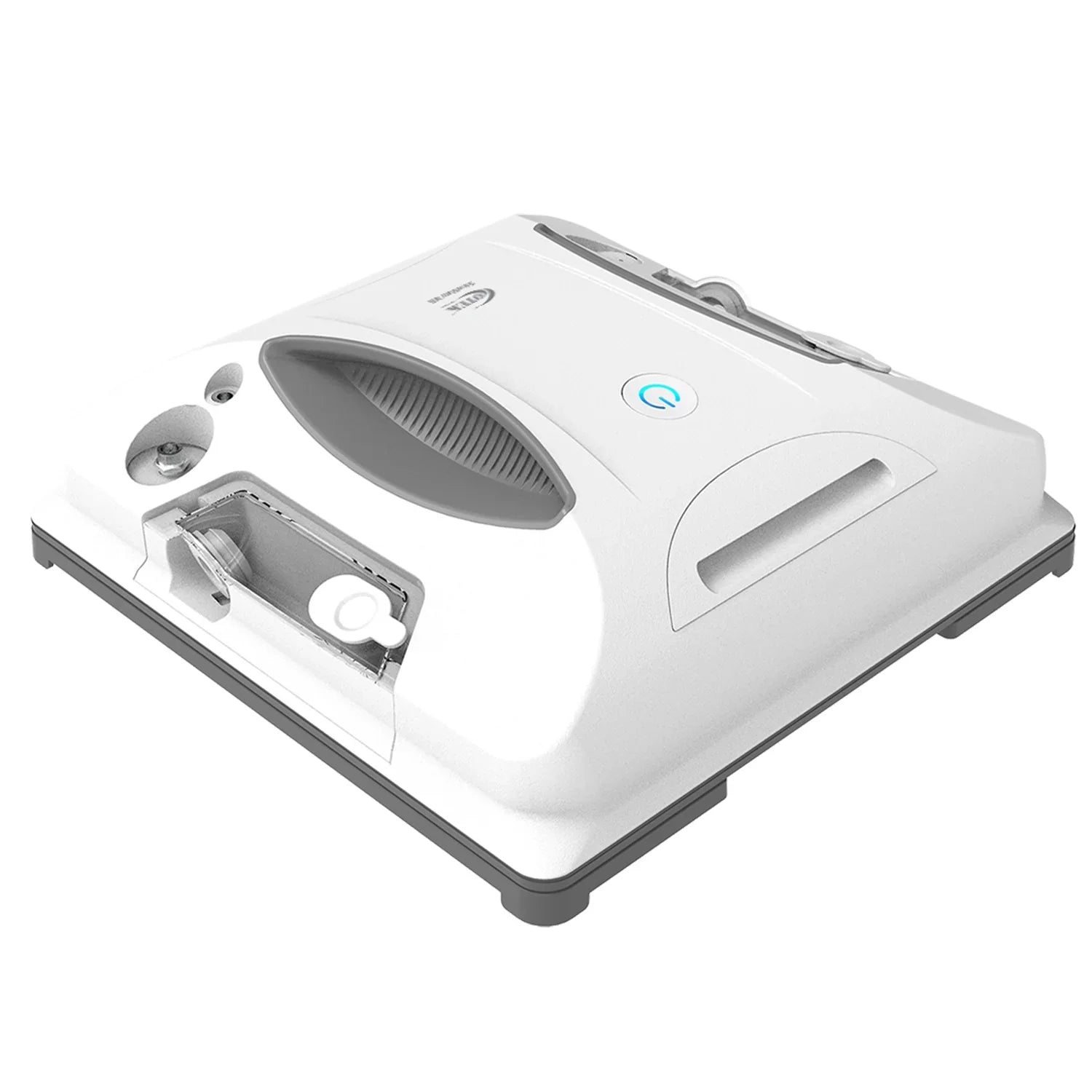
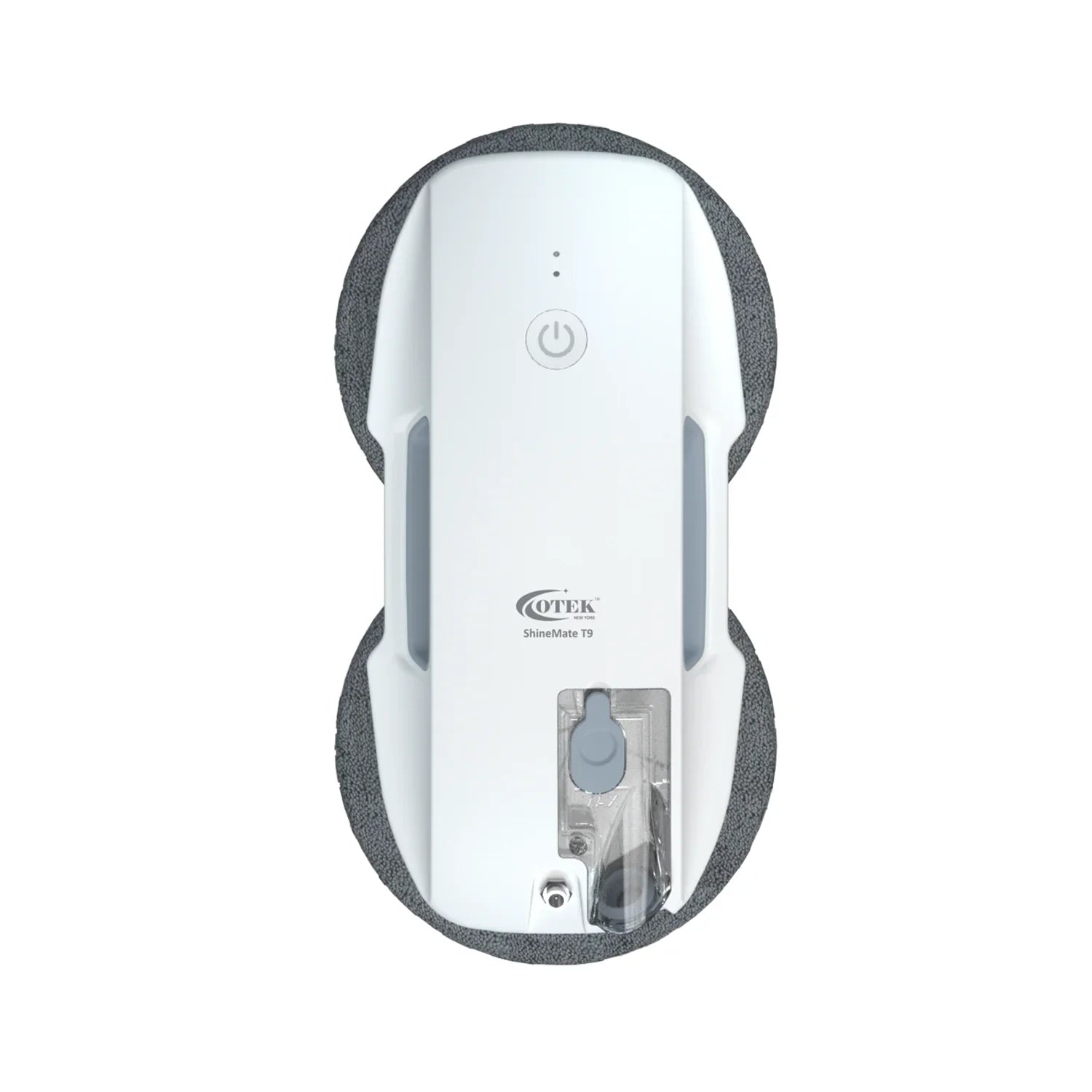
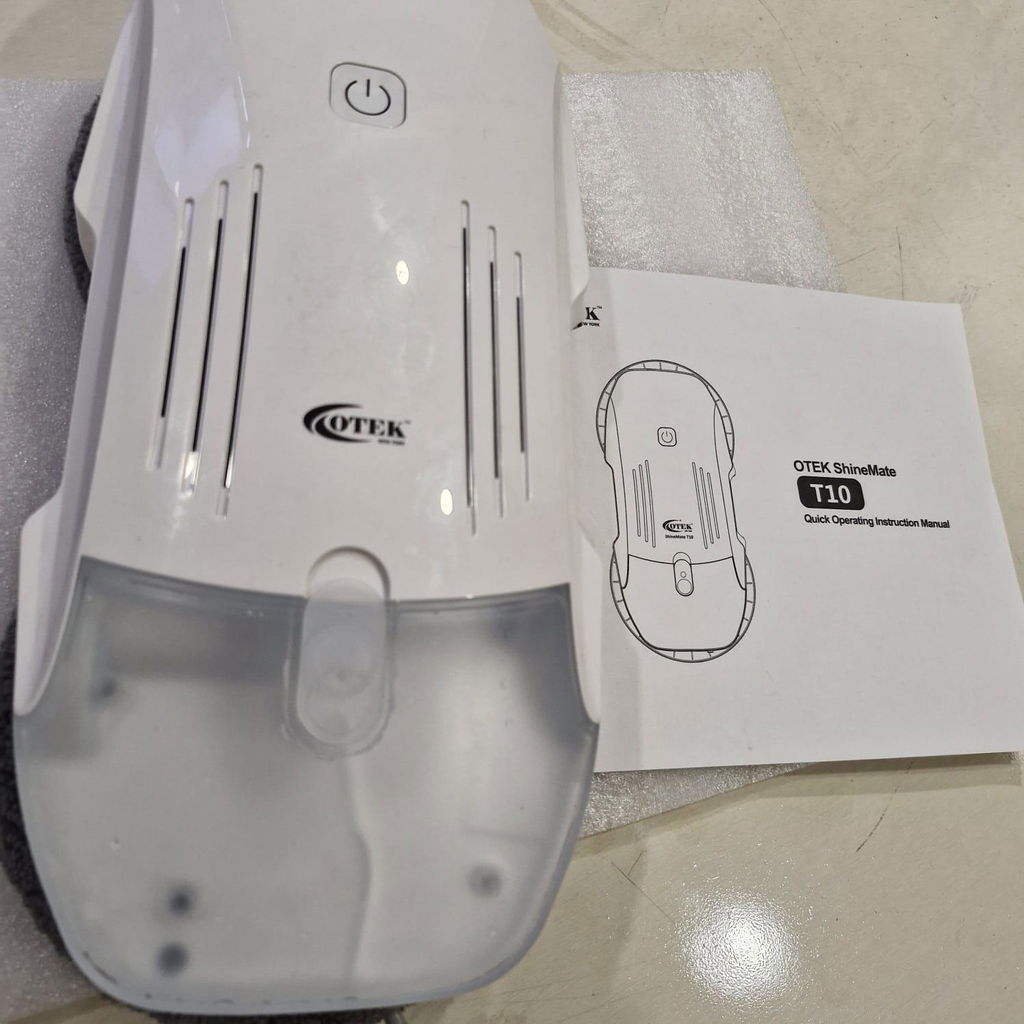
ShineMate T9
Great build quality. It doesn’t feel cheap at all. It sticks to the window securely and I never have to worry about it falling off.
VIshal Dubey
ShineMate T9
Projector
My kids love it for cartoons and gaming. There’s no lag with the Wi-Fi 6, and it runs cool even after hours of use.
Rahul Jadhav
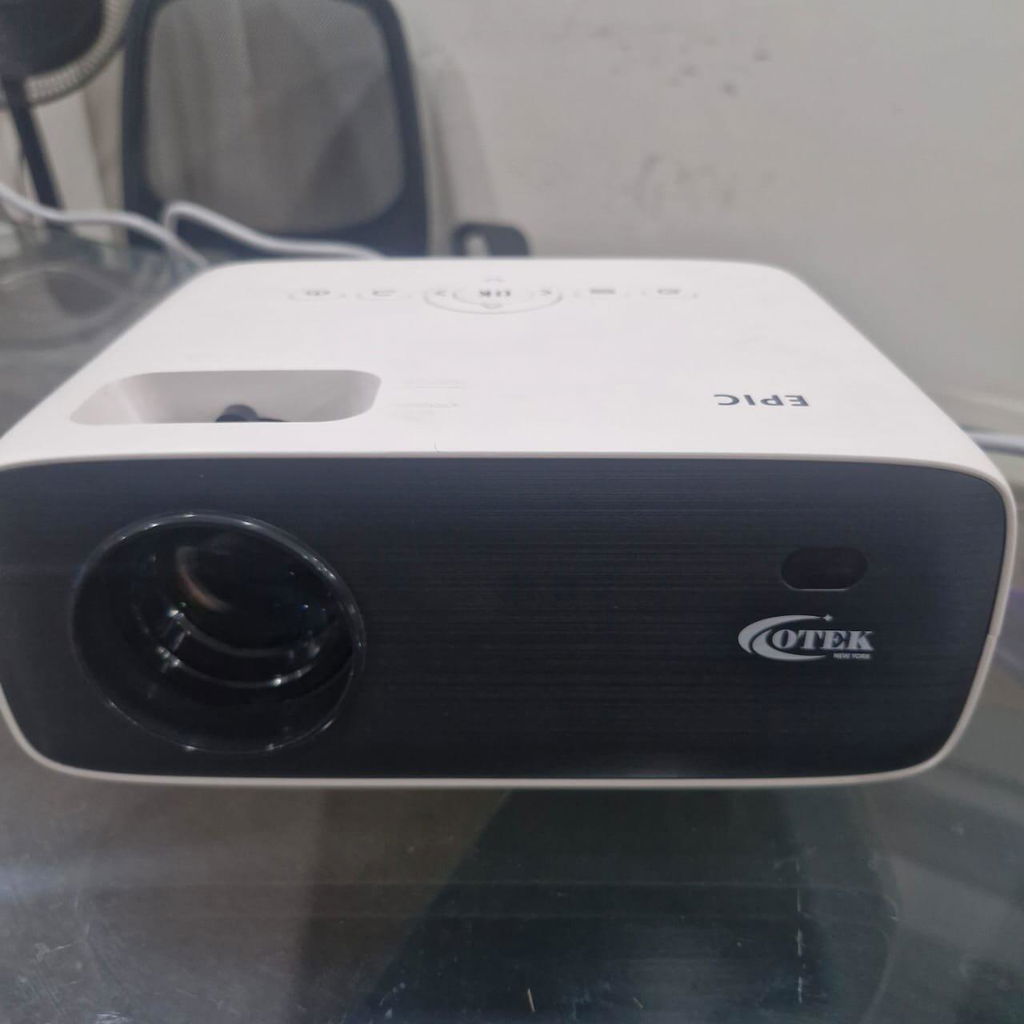
Epic Smart FHD Projector
Projector Screen FR84
One of the best wall-mounted screens I’ve used. It’s quiet, smooth, and the image quality is flawless. Highly recommend for business use too.
Gopal Bhise
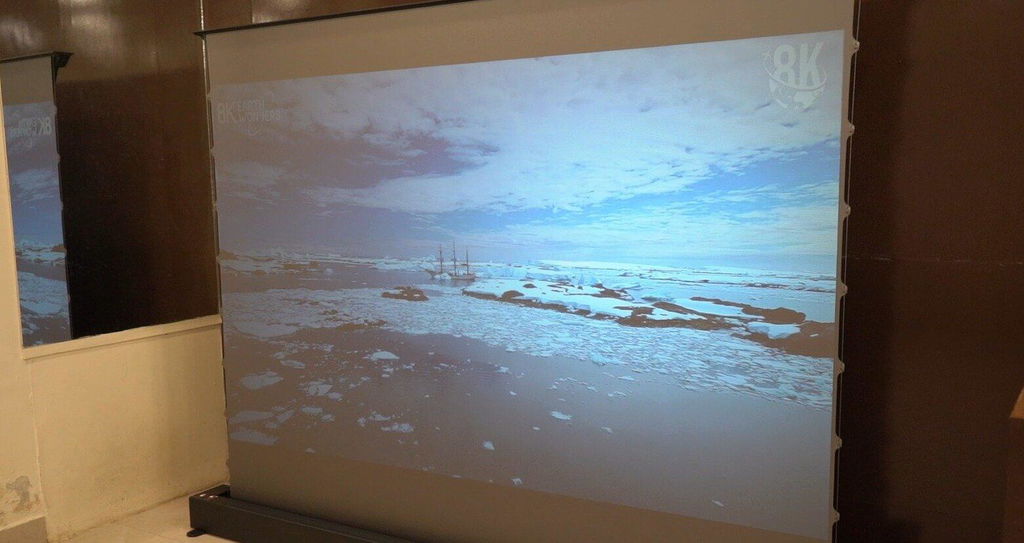
CineCast Floor Rising-FR 84
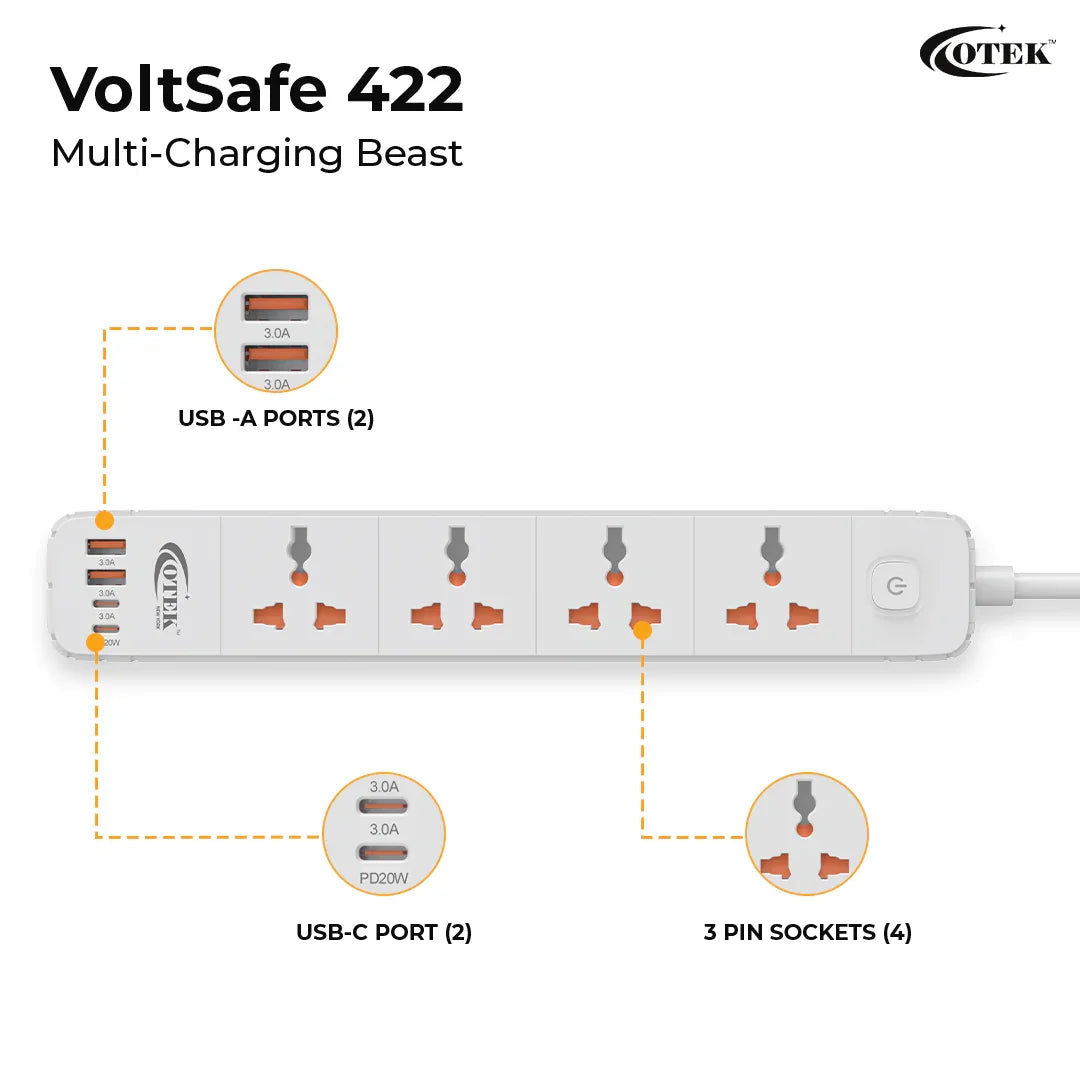
VoltSafe 422
Bought it for my daughter’s study table. Safer than using separate chargers and extension cords. Happy with the quality.
Sandhya Dange
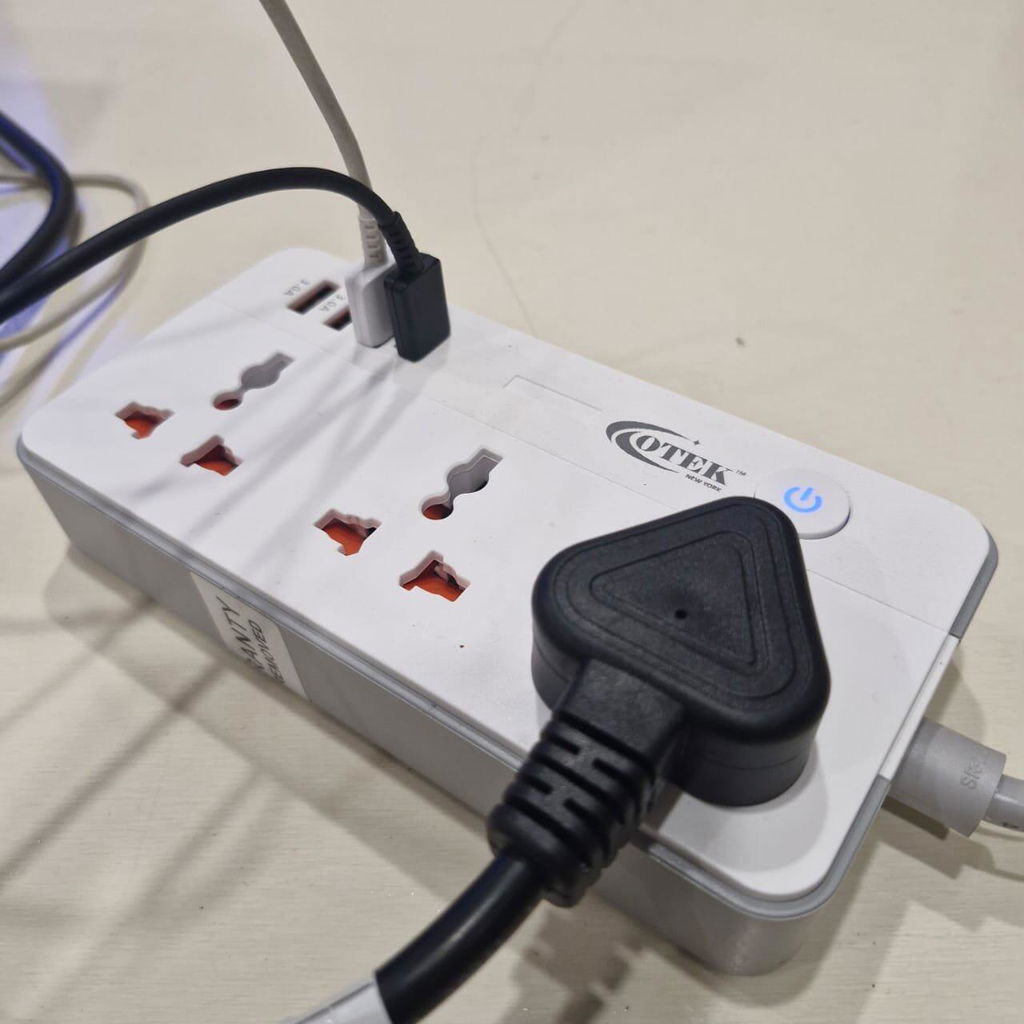
VoltSafe 422
Projector
Watching movies on this feels like being at the cinema. The 210” display is massive and crystal clear. Perfect for family nights.
Arjun Singh
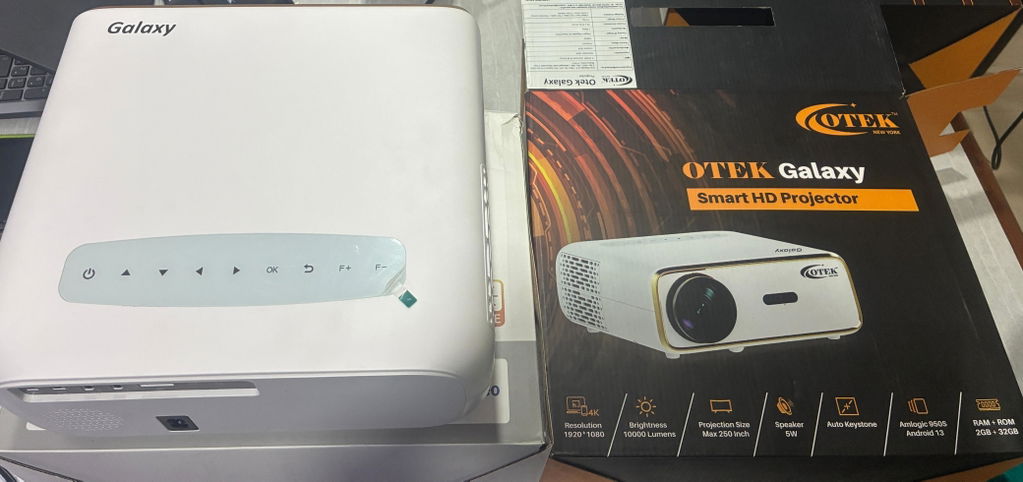
Play Smart FHD Projector
AI Mouse
The image generation tool is fun and surprisingly useful for presentations. Plus, the AI learns my habits.
Tanmay Shinde
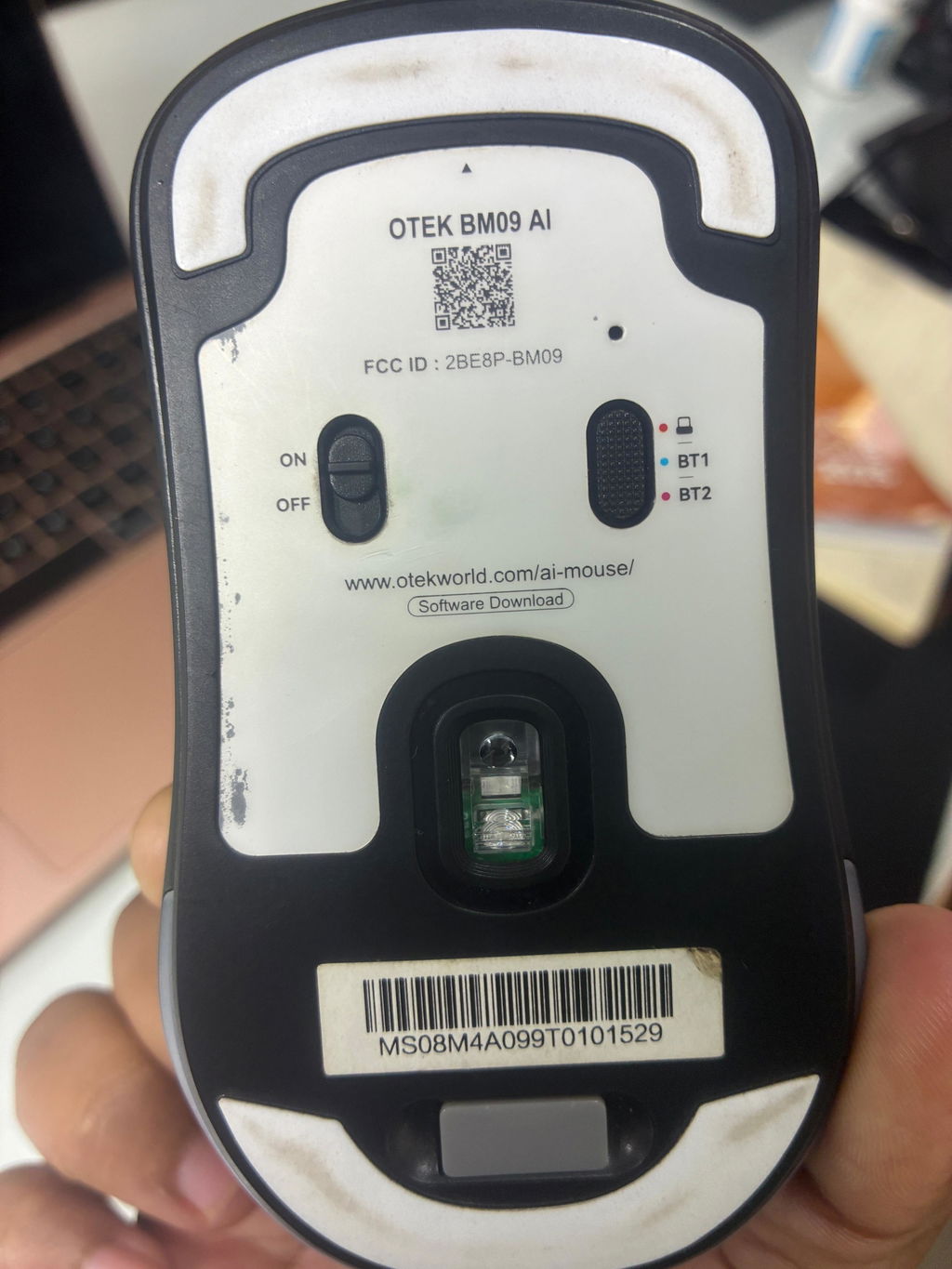
BM09 AI Integrated Mouse
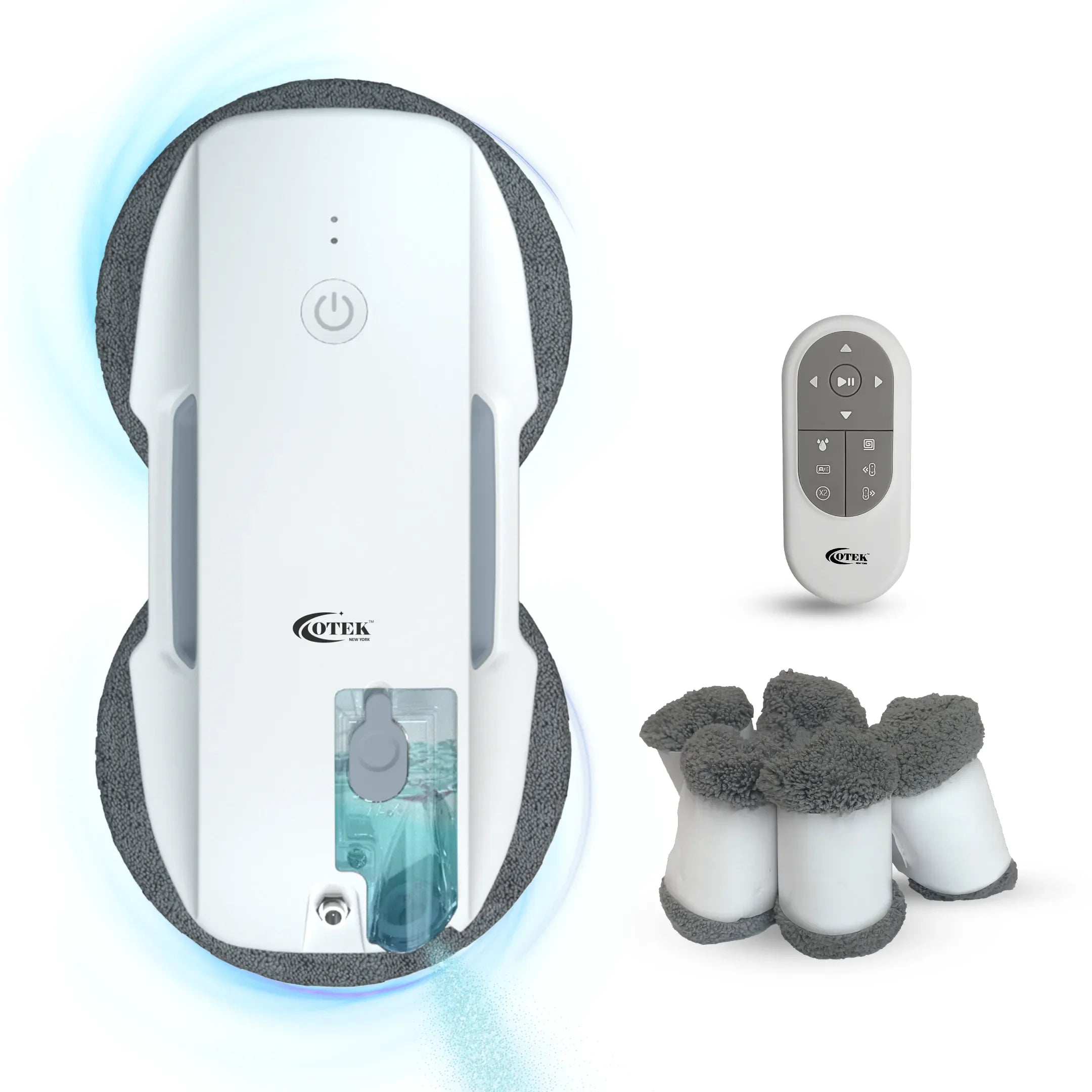
ShineMate T10
I was worried about battery backup but haven’t faced a single issue. It charges fast and has a safe grip on glass.
Namdev Kale
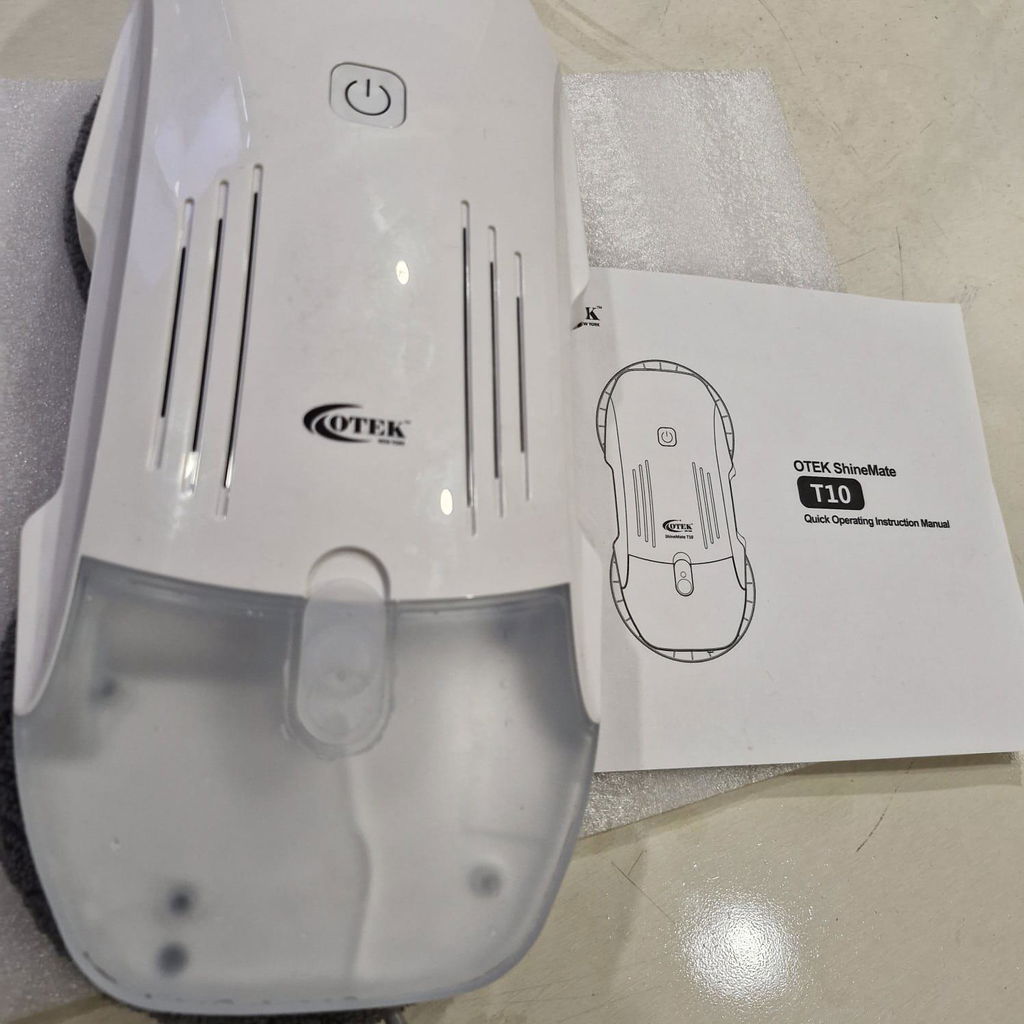
ShineMate T10
ShineMate T9
I live on the 6th floor and was always worried about cleaning the exterior windows. ShineMate T9 solved that problem. With edge detection and powerful suction, it cleans thoroughly without any risk of dropping.
Bharati Pise
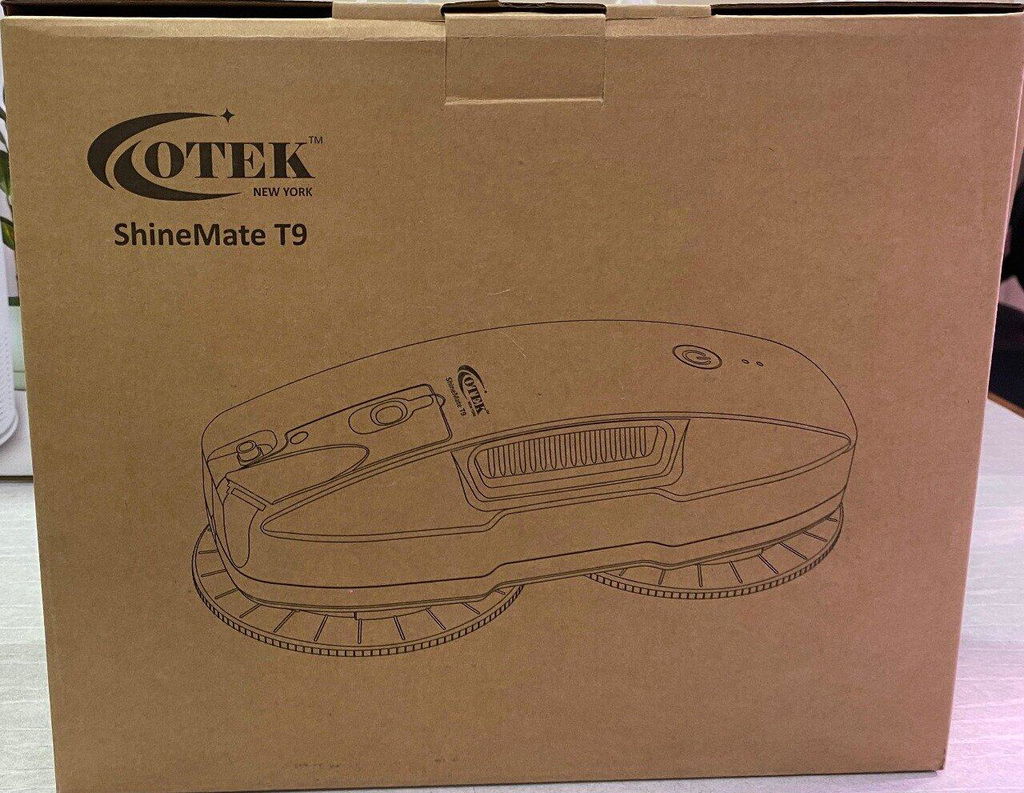
ShineMate T9
VoltSafe 531
Bought this for my workshop. Drill, lights, charger — handles everything like a pro.
Divya Jadhav
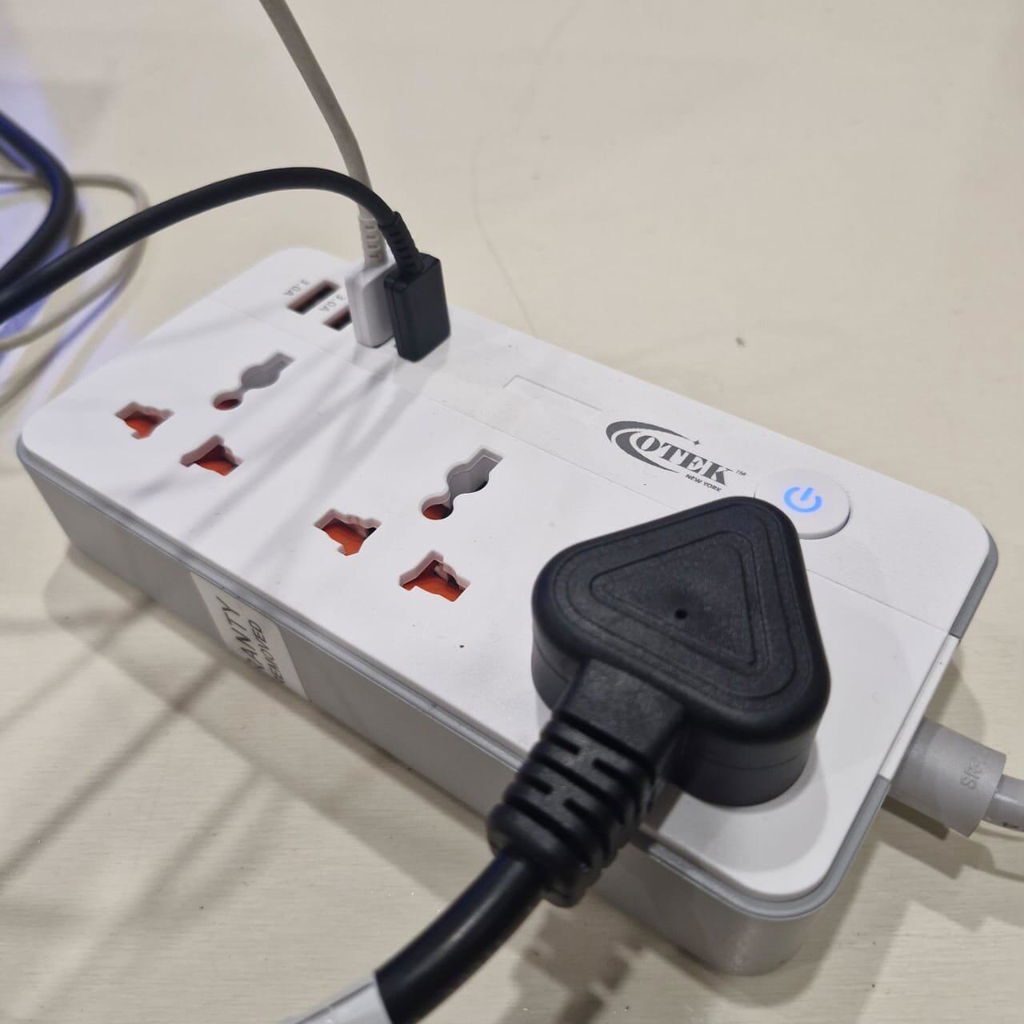
VoltSafe 531
Projector
After a month of use, I can say this is the best investment I’ve made for home entertainment. Reliable, sharp, and immersive.
Sandhya Lohar
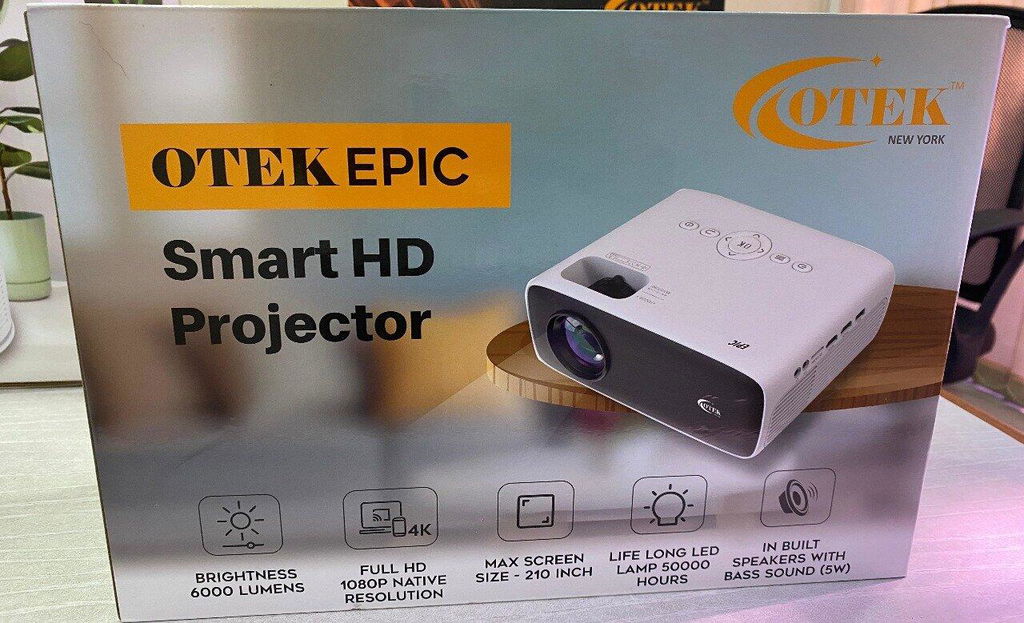
Play Smart FHD Projector
Projector
Watching movies on this feels like being at the cinema. The 210” display is massive and crystal clear. Perfect for family nights.
Sudeep Kale
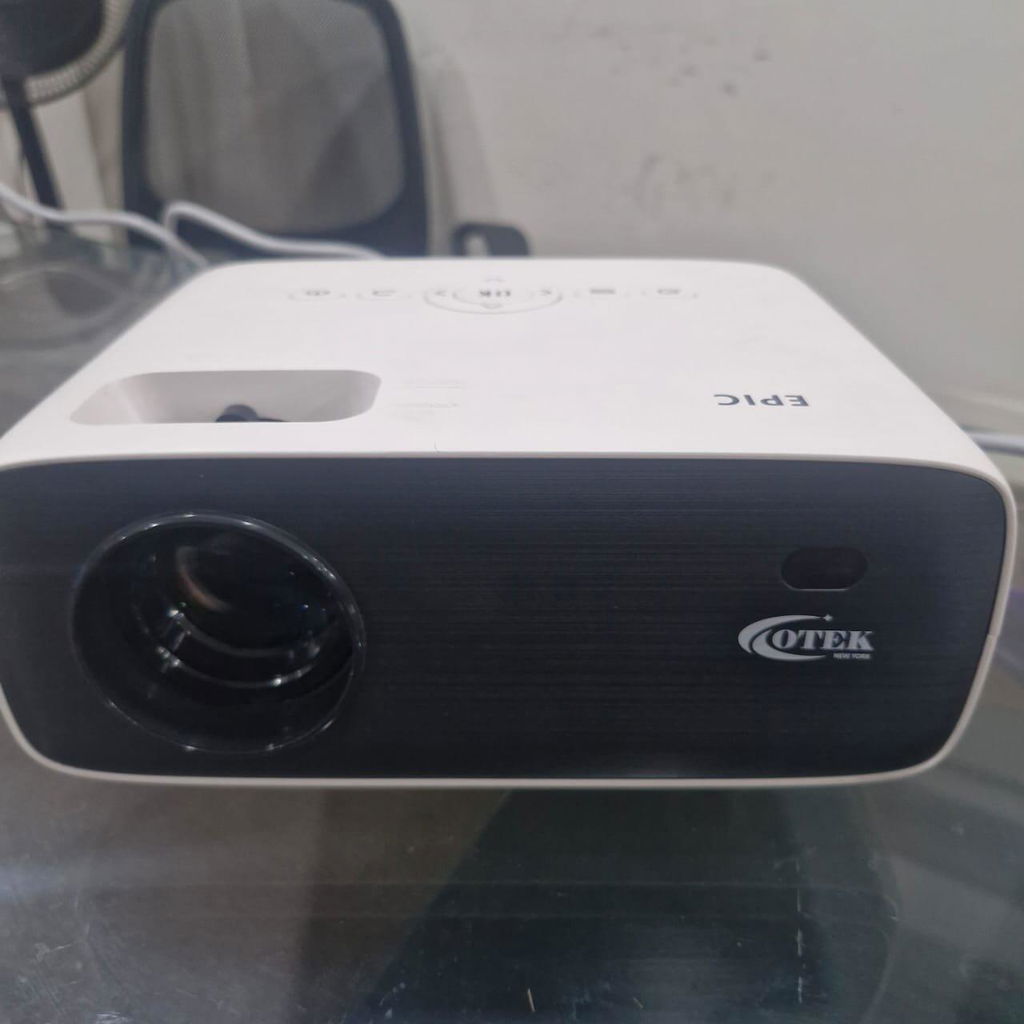
Play Smart FHD Projector
Ai Mouse
It charges quickly and stays connected — no delays or disconnections. Works seamlessly with both my Windows laptop and MacBook.
Ravi Pal
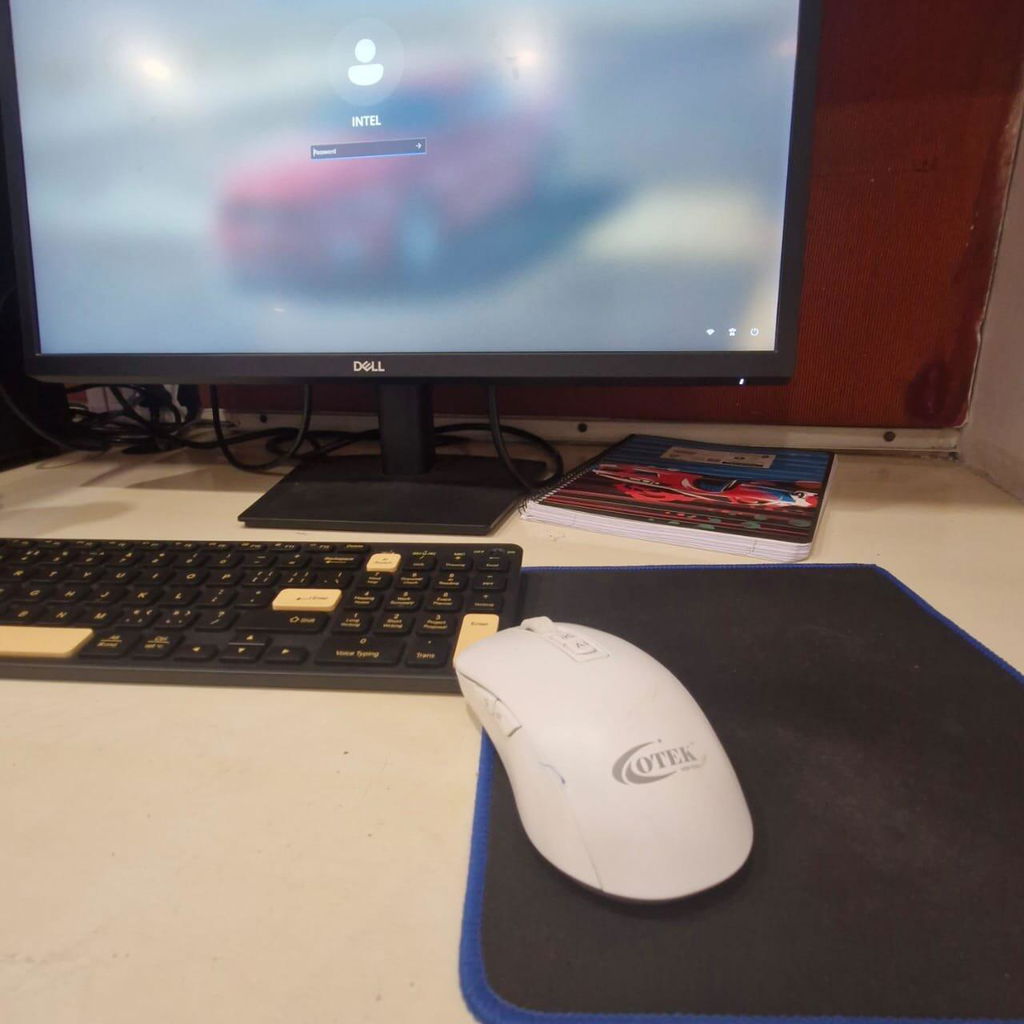
BM09 AI Integrated Mouse
Ai Mouse
My favorite feature? OCR screenshots. It’s like having a scanner and translator in a mouse. I use it to extract text from slides during webinars.
Pallavi J
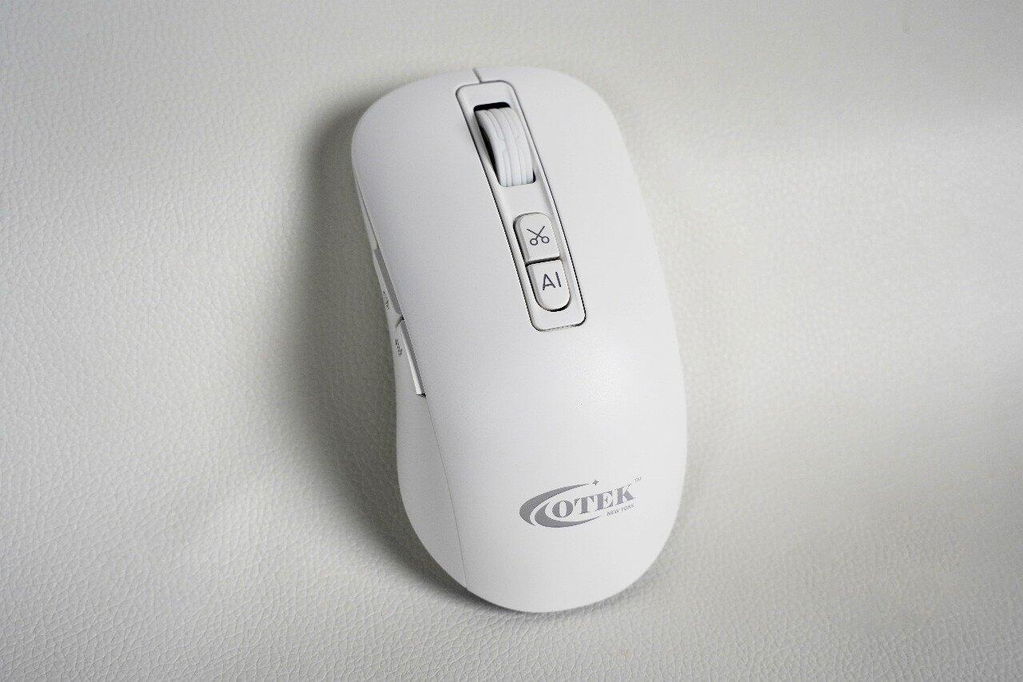
BM09 AI Integrated Mouse
THE OTEK JOURNAL
Ideas, insights & technology for a smarter everyday.


FREQUENTLY ASKED QUESTIONS
Still unsure? Here’s what you need to know

Still Have Question?
Our team is happy to help!
visit our help center or contact us directly.
How do I set up the OTEK AI Mouse?For Windows: Turn on the mouse, plug in the
USB receiver, and download the software from [www.otekworld.com/ai-mouse]
(https://otekworld.com/pages/ai-mouse).
Follow the installation prompts.
For macOS: Follow the same steps, but ensure to grant permissions in System
Preferences > Privacy and Security for microphone, input monitoring, and
screen recording.
The BM09 AI Mouse offers voice and text translation in over 100 languages, voice recognition typing, OCR screenshot capabilities, AI-powered PPT creation, Excel tools, adjustable DPI, and multi-device connectivity compatible with Windows and macOS.
Press and hold the voice command button for 3 seconds to initiate the download and follow the onscreen instructions to complete the installation.
Here can be a brief but clear response to the question, giving customers a quick answer without unnecessary details.
Still Have Question?
Our team is happy to help!
visit our help center or contact us directly.
TECHNOLOGY THAT MOVES LIFE FORWARD.
Discover smart, practical technology designed for the way you live, work and play.